Media Library
A Better Media Workflow
Store, organize, and publish from one Google-cloud-grade media library built for social teams.
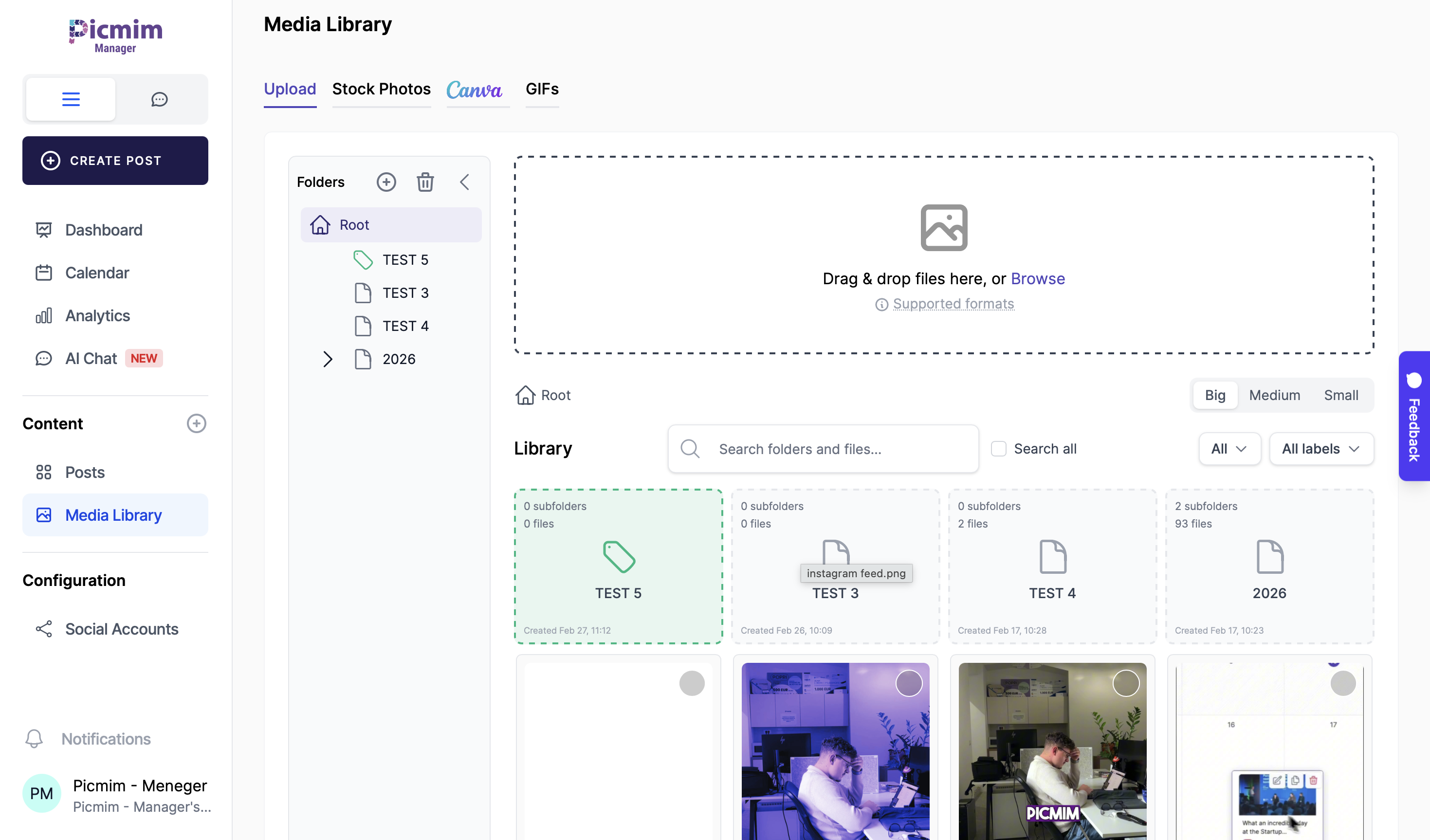
Store, organize, and publish from one Google-cloud-grade media library built for social teams.
Everything your team needs to keep creative assets organized and ready to publish.
Group assets by brand, campaign, and channel with a clear folder hierarchy.
Assign visual markers to folders so teams can identify assets instantly.
Find files quickly using names, tags, and media-type filters.
Upload large batches and keep your publishing pipeline moving.
A closer look at how teams organize, search, and reuse assets at scale.
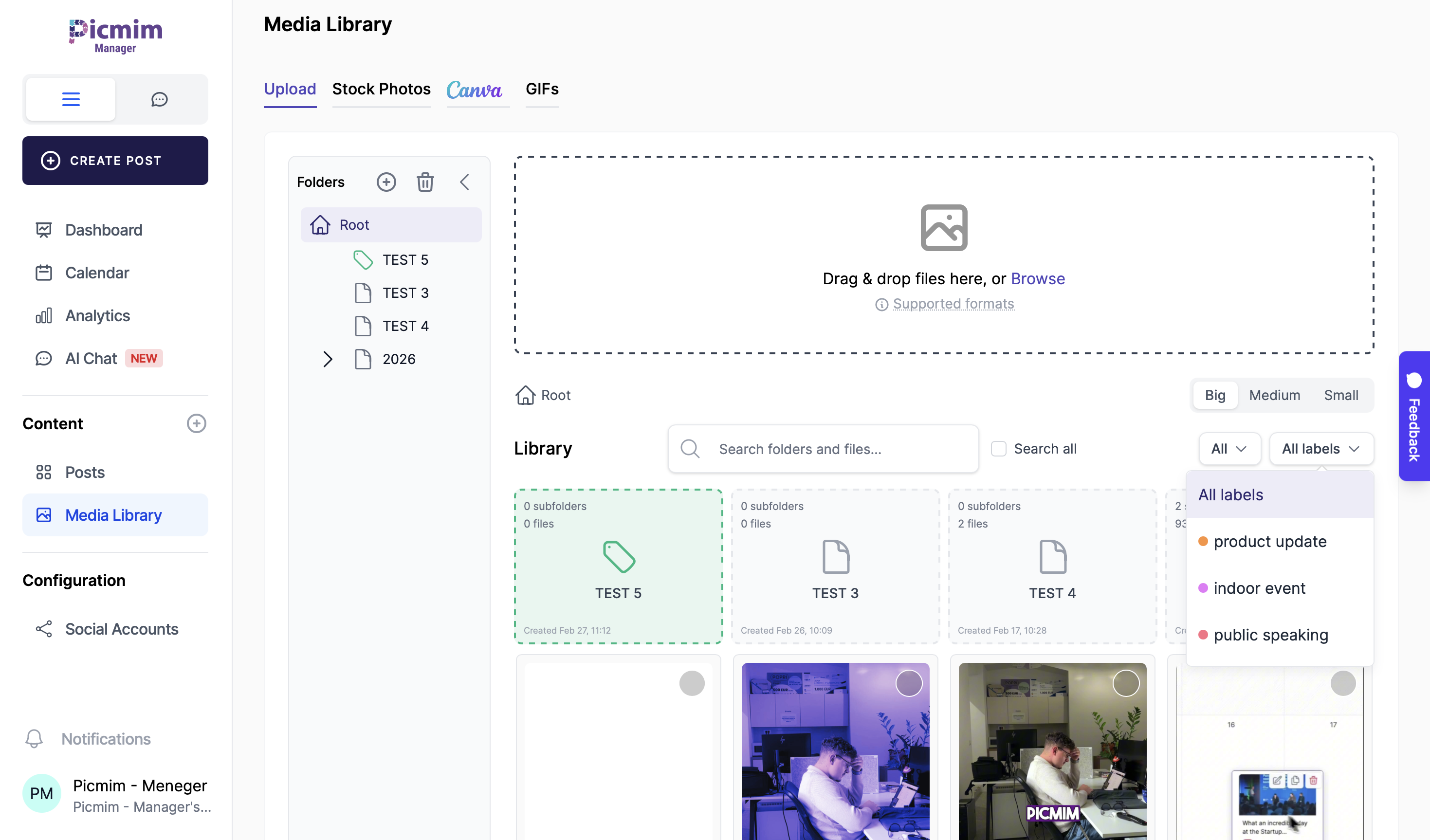
Build a structure that matches your approval and publishing process.
Create campaign and client folder trees that scale with your workspace.
Use color coding to separate brands, priorities, and content categories.
Add custom icons for instant visual context across your media sets.
Prepare visuals faster with automatic processing before publish.
Videos are processed for platform-friendly format and top quality output.
Apply preset image formats for each network without manual resizing.
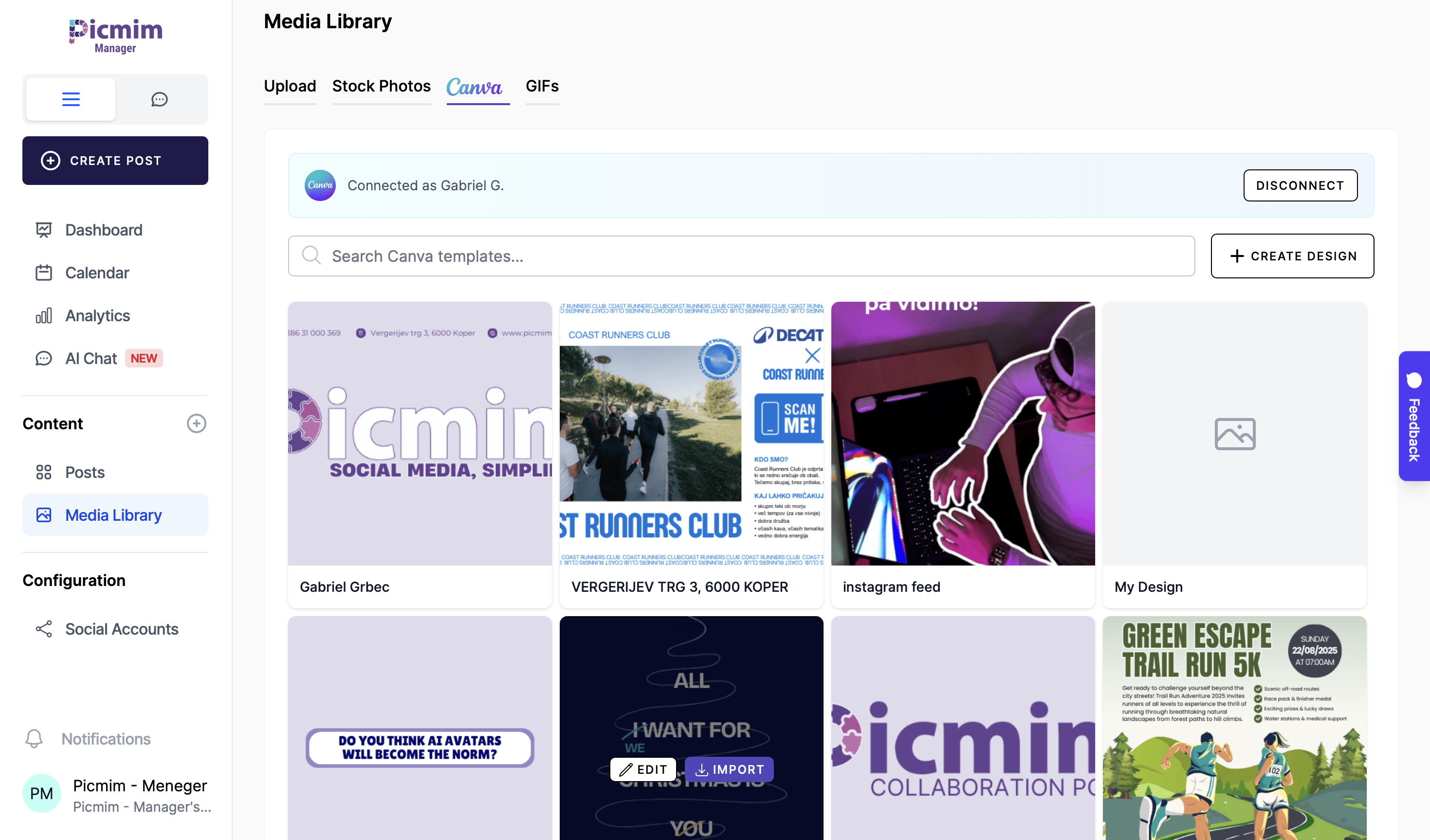
Send designs from Canva directly into your publishing workflow.
Create in Canva, move assets into Picmim Media Library, and publish without file juggling.
Set up your library in four simple steps
Bring in your images and videos in bulk.
Sort with folders, colors, icons, and tags.
Apply presets and automatic video optimization.
Use assets directly across your scheduled content.
Connect media operations with your full publishing workflow.